Salesforce Commerce Cloud
Did You Know? Pushing URL Rules
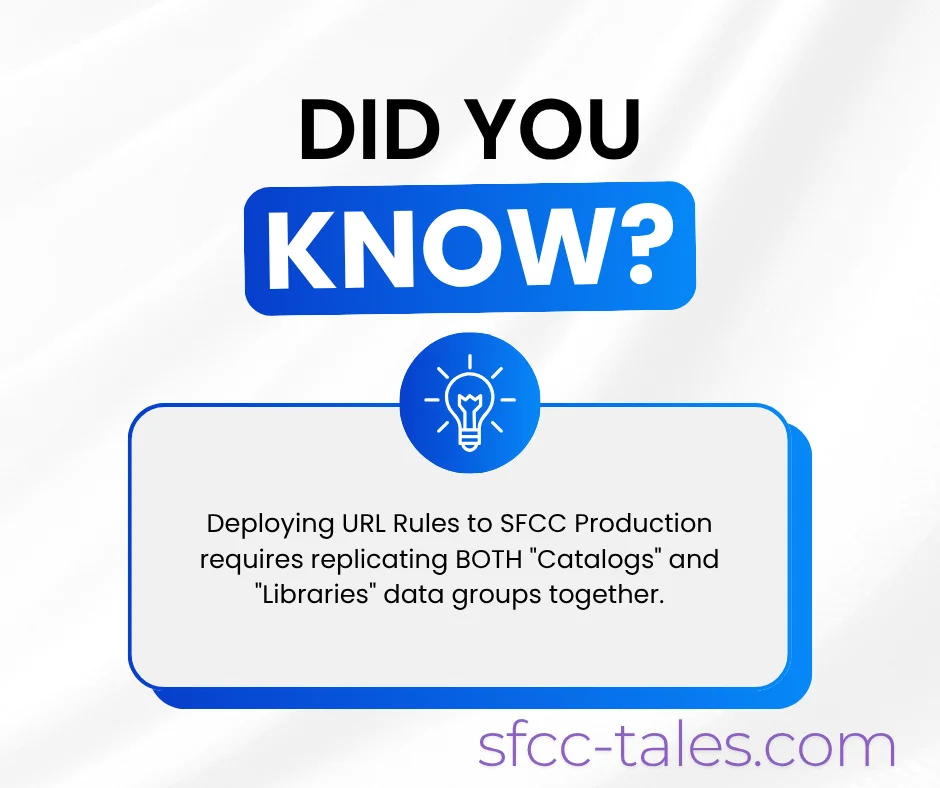
Pushing URL Rule settings from Staging to Production requires selecting BOTH the Catalogs and Libraries data replication groups.
Dive deep into Salesforce B2C Commerce Cloud (SFCC). From SFRA and ISML best practices to advanced caching and architecture, these articles are built for developers and architects scaling global storefronts.
Pushing URL Rule settings from Staging to Production requires selecting BOTH the Catalogs and Libraries data replication groups.
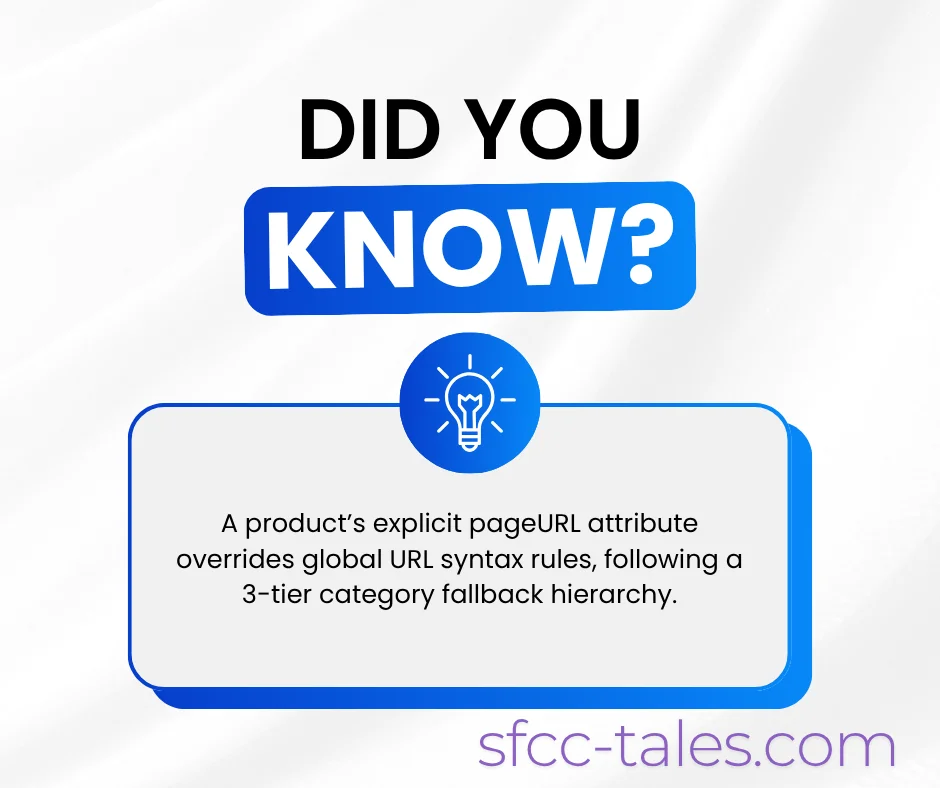
If a merchandiser fills in the explicit pageURL attribute, it completely overrides your configured URL syntax rules.

The wildcard pattern sitemap*xml is strictly reserved for Salesforce B2C Commerce's internal automated sitemap generator.

If a hyphen is configured as the Product ID separator, but the product name already contains hyphens, B2C Commerce automatically switches it.

If storefront locale mapping is set to none, creating a redirect where the source string is embedded inside the destination string triggers an infinite loop.

Managing migration redirects in B2C Commerce comes with strict architectural caps.
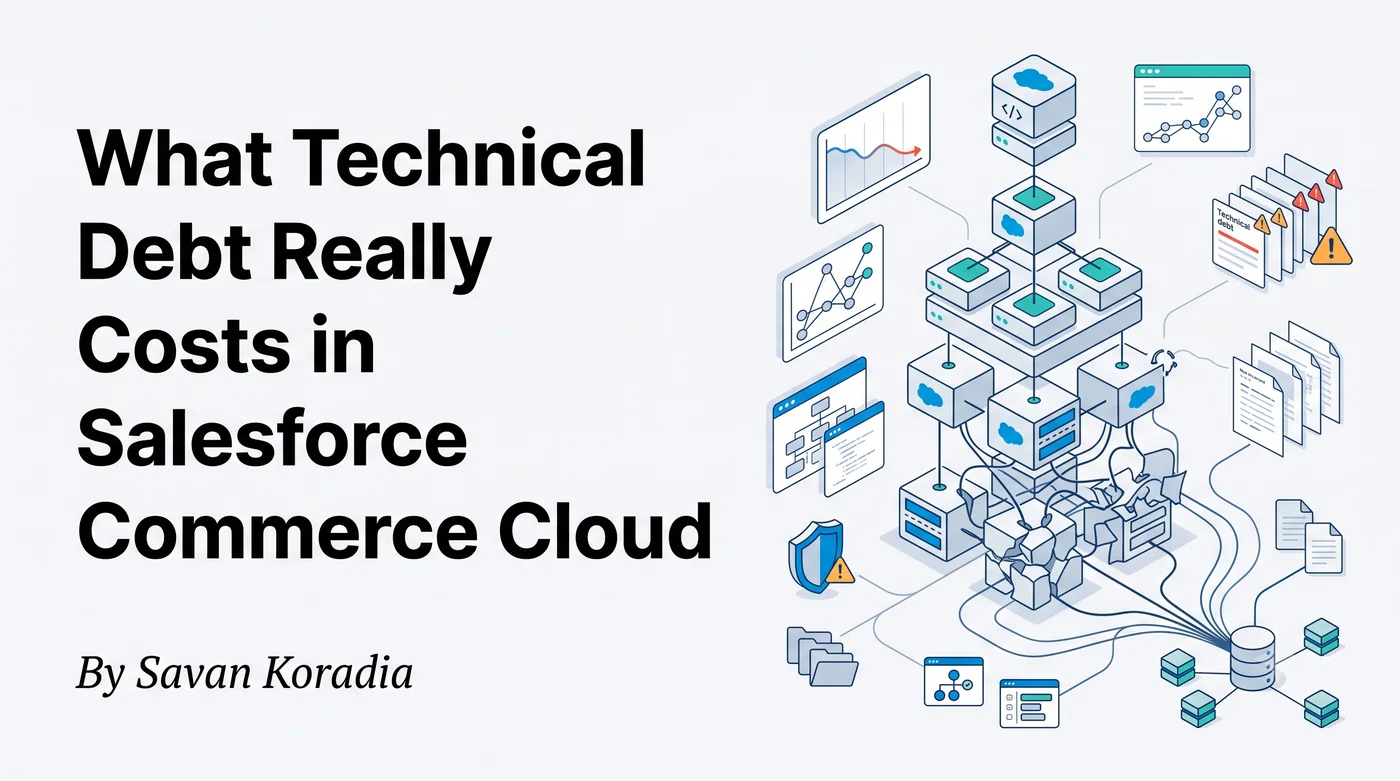
For a long time I thought technical debt only meant messy code. Working on production SFCC projects taught me that the real cost is much bigger.
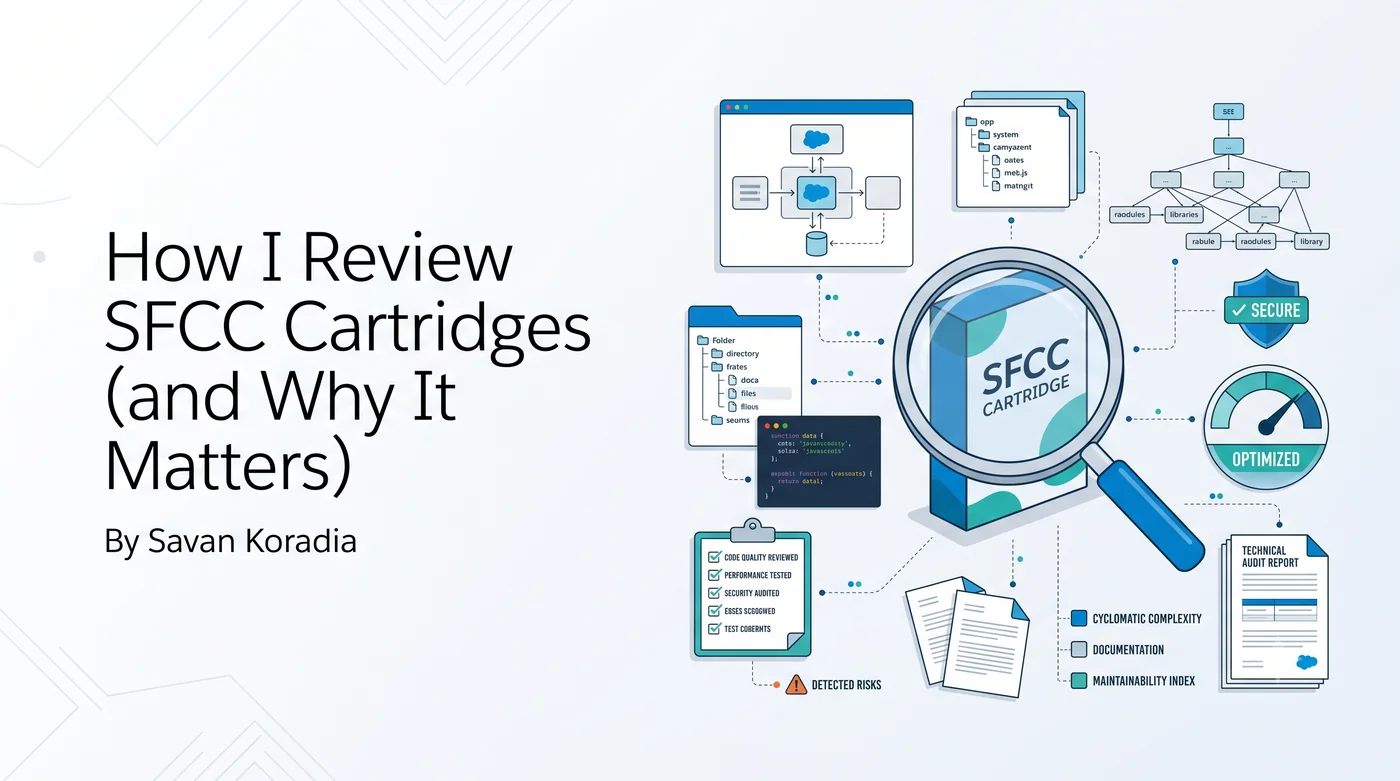
A look into my engineering mindset for reviewing Salesforce Commerce Cloud cartridges, identifying hidden risks, and why maintainability matters more than simply having working code.

The background job that generates and caches clean storefront URLs runs exclusively on Sandbox and Staging instances.
Learn how to configure URL syntax, manage redirects, handle search refinements, and troubleshoot conflict errors in Salesforce B2C Commerce.

Monitoring quota usage and configuring alert notifications provide early visibility into potential problems.

Campaigns and promotions consume platform resources and are subject to quota limits.

Quota violations are indicators that platform resources are being used beyond recommended levels.

Inefficient logic, unnecessary processing, or excessive object usage can increase resource consumption and lead to quota violations.

SFCC quotas define safe operating thresholds that help protect storefront performance and stability.

In SFCC, import mode “Replace” is essentially a combination of delete and merge operations.
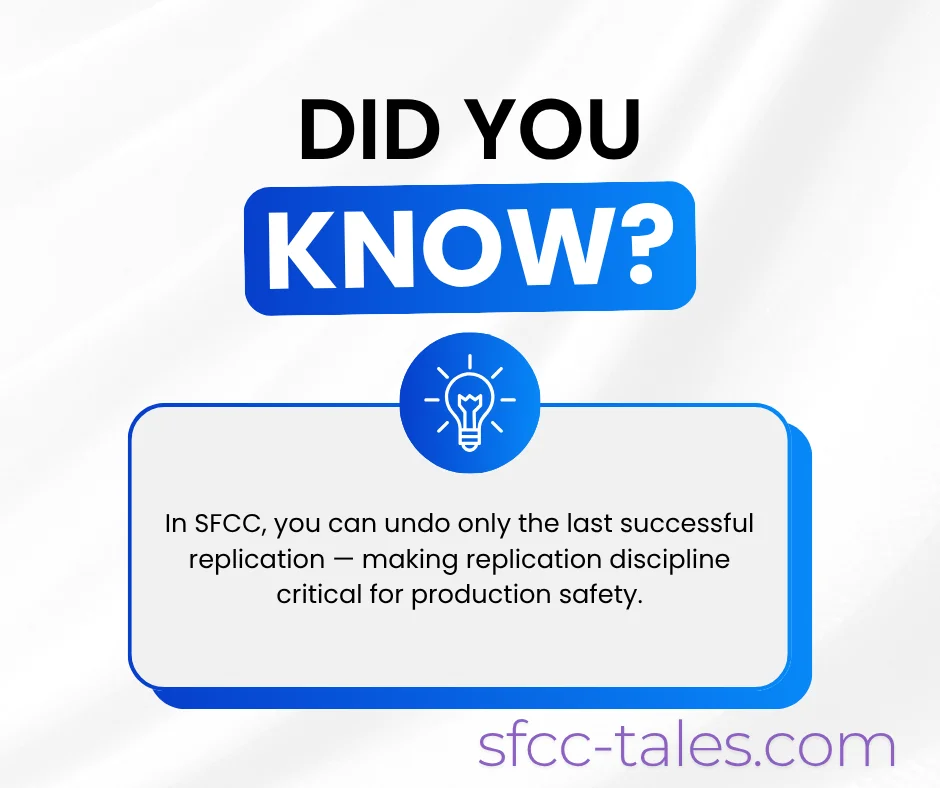
In SFCC, you can undo only the last successful replication.

One of the fastest ways to create chaos in an eCommerce platform is making catalog or price book changes directly in Production.

Sensitive payment information can unintentionally end up in logs when developers log request/response payloads for debugging.

Apple Pay in SFCC can be enabled without redesigning the entire checkout flow.

Tokenization in SFCC does much more than protect payment data; it enables powerful commerce experiences like subscriptions and auto-replenishment.

Mostly payment failures are due to timeout handling within SFCC, not gateway errors.

In SFCC, payment methods can be displayed based on customer group, country of billing, and basket total.

A comprehensive guide to understanding and managing sequence numbers in Salesforce Commerce Cloud for robust order and data management.
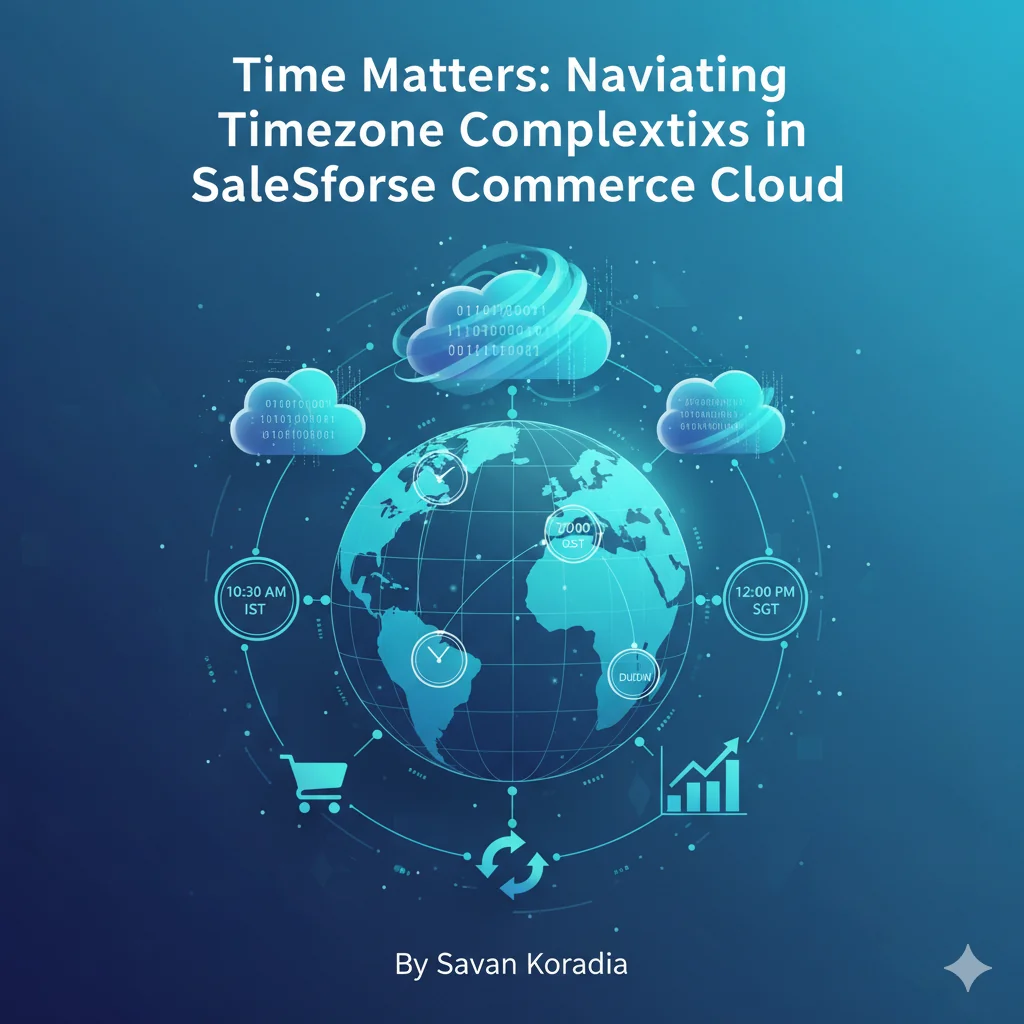
Master the essentials of SFCC timezone management to ensure accurate order processing, efficient job scheduling, and seamless cross-border operations. Essential reading for SFCC developers and business managers.

Salesforce Commerce Cloud (SFCC) provides multiple environments for testing and development, such as SIG, PIG, Sandboxes, CI, Development, and Staging. While these environments are essential for building and validating features, failing to protect them properly can introduce serious security and SEO risks for an organization. For example, if test site content is indexed by search engines, test data may appear higher in search results than live production content. This can create confusion for customers and stakeholders and lead to inaccurate or misleading information being publicly accessible.
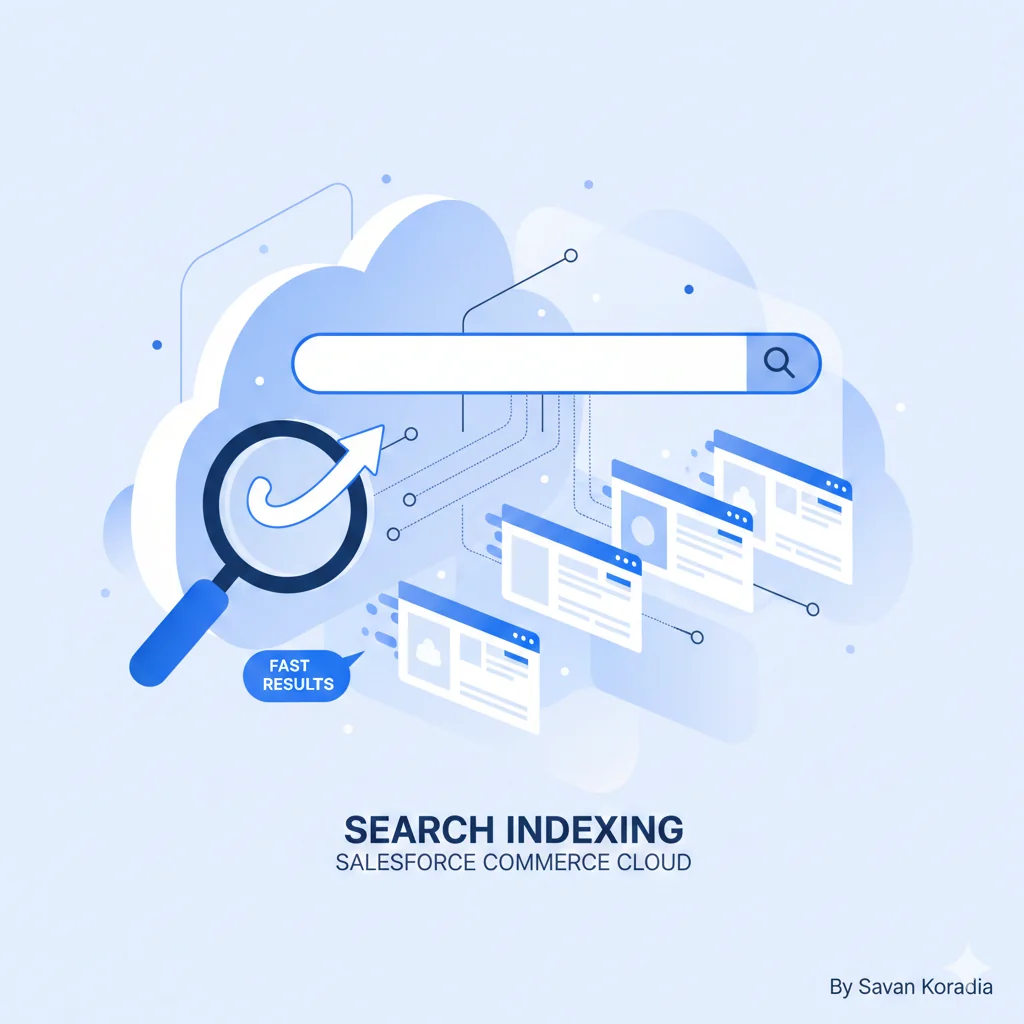
Search Indexing in Salesforce Commerce Cloud plays a critical role in delivering fast, accurate, and relevant search results on an eCommerce storefront. By indexing products, content, and related assets, SFCC avoids frequent database queries and improves site performance. This article explains the importance of search indexing, how it works, configuration options in Business Manager, role and permission considerations, production and staging best practices, and common troubleshooting scenarios.
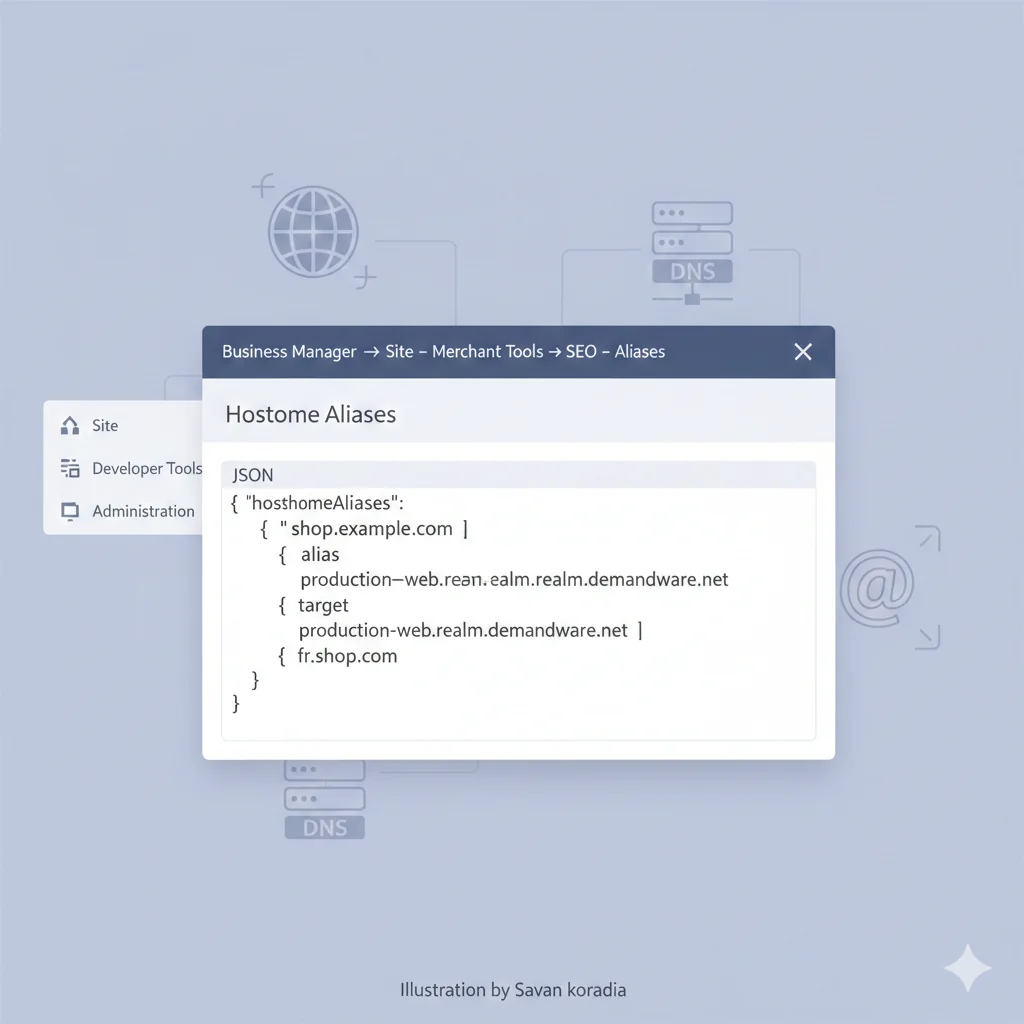
Setting up a storefront hostname in Salesforce Commerce Cloud is a critical step before launching a site to production. This article explains hostname aliases, DNS configuration using CNAME or IP address, instance-specific alias settings, Demandware.net origin shielding, JSON validation, and how to configure custom domains for sandbox environments to ensure accessibility, security, and SEO readiness.

Learn how to track and manage your Salesforce Commerce Cloud (SFCC) PODs using the Trust Status page. This guide covers finding POD IDs, monitoring instance status, and navigating recent platform changes for smooth B2C Commerce Cloud operations.


You would need all these teams to roll out your site and maintain it indefinitely without worry.
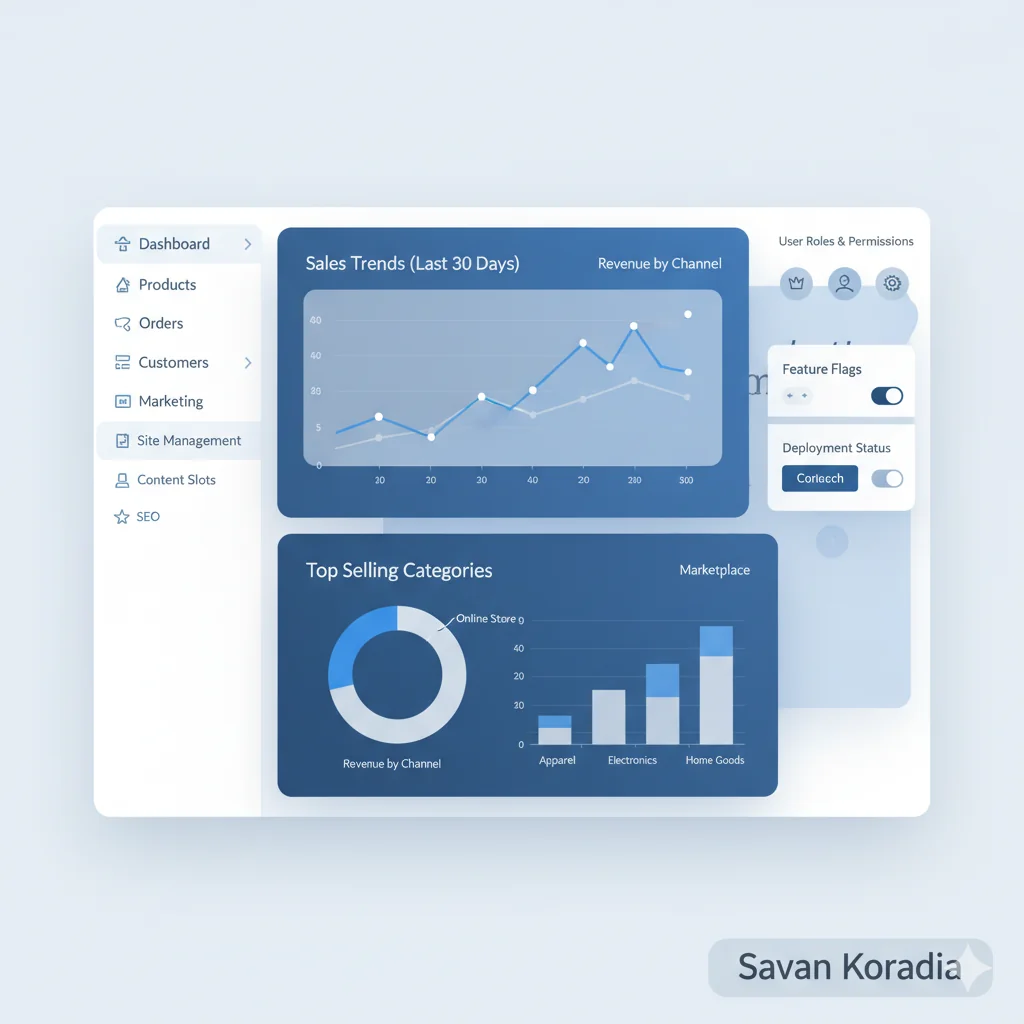
Learn about the Business Manager in Salesforce Commerce Cloud (SFCC), the admin panel where you can manage sites, roles, orders, and much more.

Learn about Salesforce Commerce Cloud (formerly Demandware), a SaaS eCommerce platform that enables merchants to build, manage, and optimize online storefronts for B2B and B2C businesses.

eCommerce platforms have become an integral part of our lives in recent times. In the past, people tend to go shopping at stores and interact with sellers in person.
You can tightly control what happens in the BM (Business Manager).