What Is the Salesforce Commerce Cloud?
Learn about Salesforce Commerce Cloud (formerly Demandware), a SaaS eCommerce platform that enables merchants to build, manage, and optimize online storefronts for B2B and B2C businesses.
A SaaS platform means, software as a service. When you purchase a server, you don’t only get a bare metal server, but it has proprietary code to run an application. We can call it a core engine.
Along with the core engine, you can easily set up a site. It is also called SiteGenesis (SG). In SFCC, the front-end site used by the end-user is called the Storefront.
Storefront and SiteGenesis
You can do the following things once you get the server:
-
Storefront: Once you set up a site, it will be visible to the user to access it.
-
Product and Catalog: You can create as many products as you want and assign them to your site. You can create one site catalog and multiple master catalogs.
-
Inventory: The assigned inventory to the site will track all orders and adjust their values. You get options to set it in stock or pre-order.
-
Price Book: Each product has prices, right? It is handled by price book settings.
-
Indexing: Based on all product settings, it will generate new documents which will make it faster to load results of the product on the storefront.
-
Reports: You can review various reports regarding sales and actions.
-
Order and Customer Settings: You can define order sequence numbers and for how long they should be kept in the system — when to delete orders and customers from the system.
Example Site
Here is the example of a SiteGenesis site:
https://production-sitegenesis-dw.demandware.net/on/demandware.store/Sites-SiteGenesis-Site
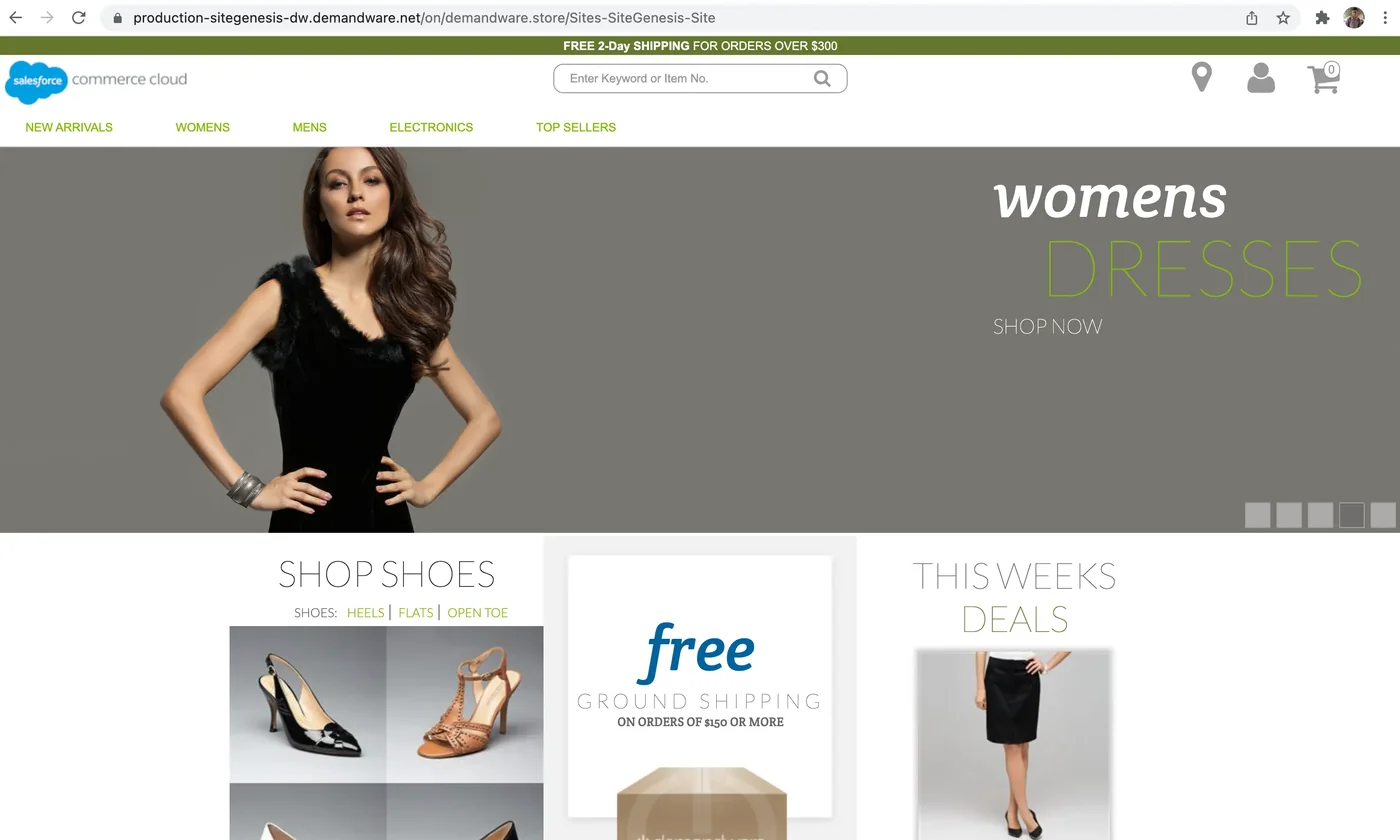 Image of Home page by author
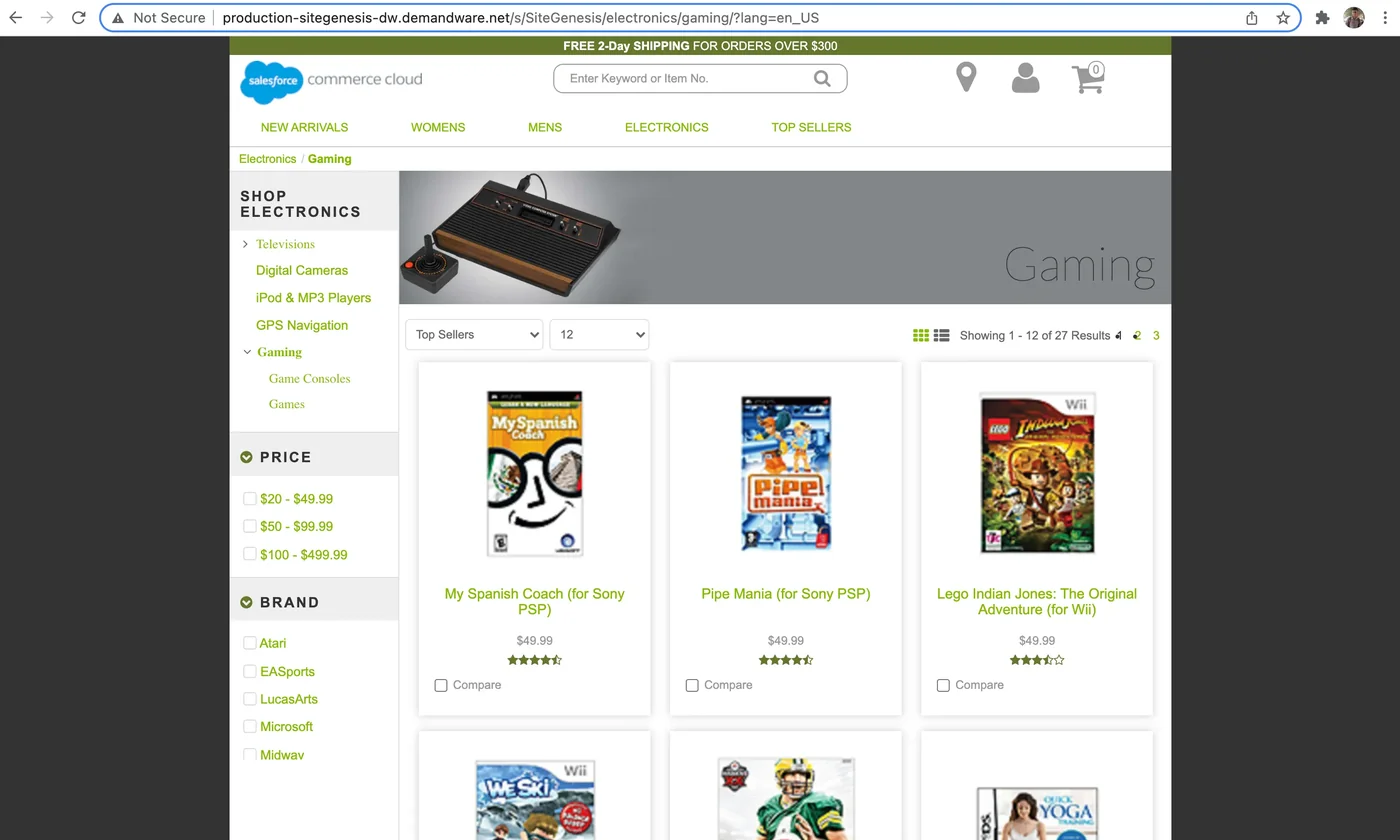 Image of product listing page by author
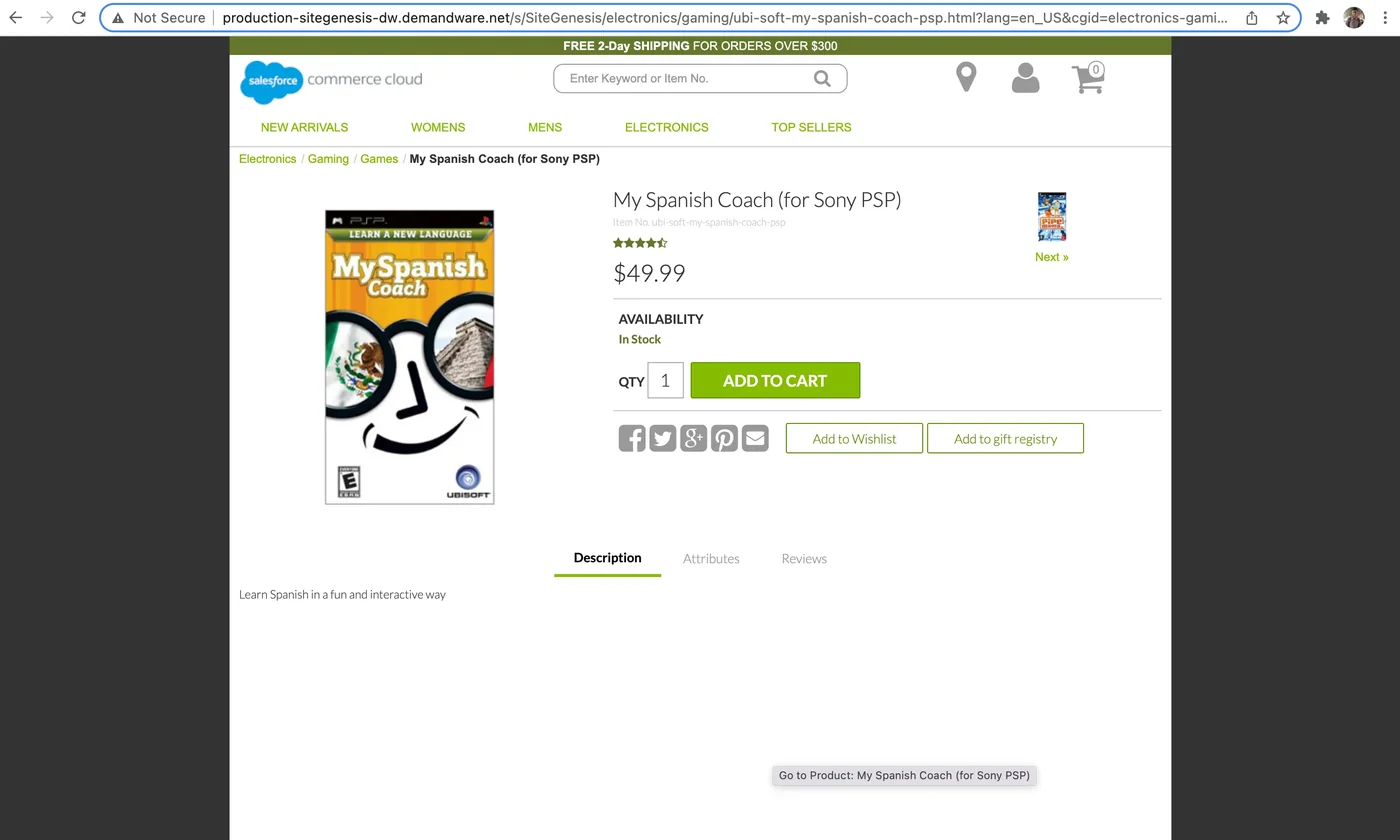 Image of product detail page by author
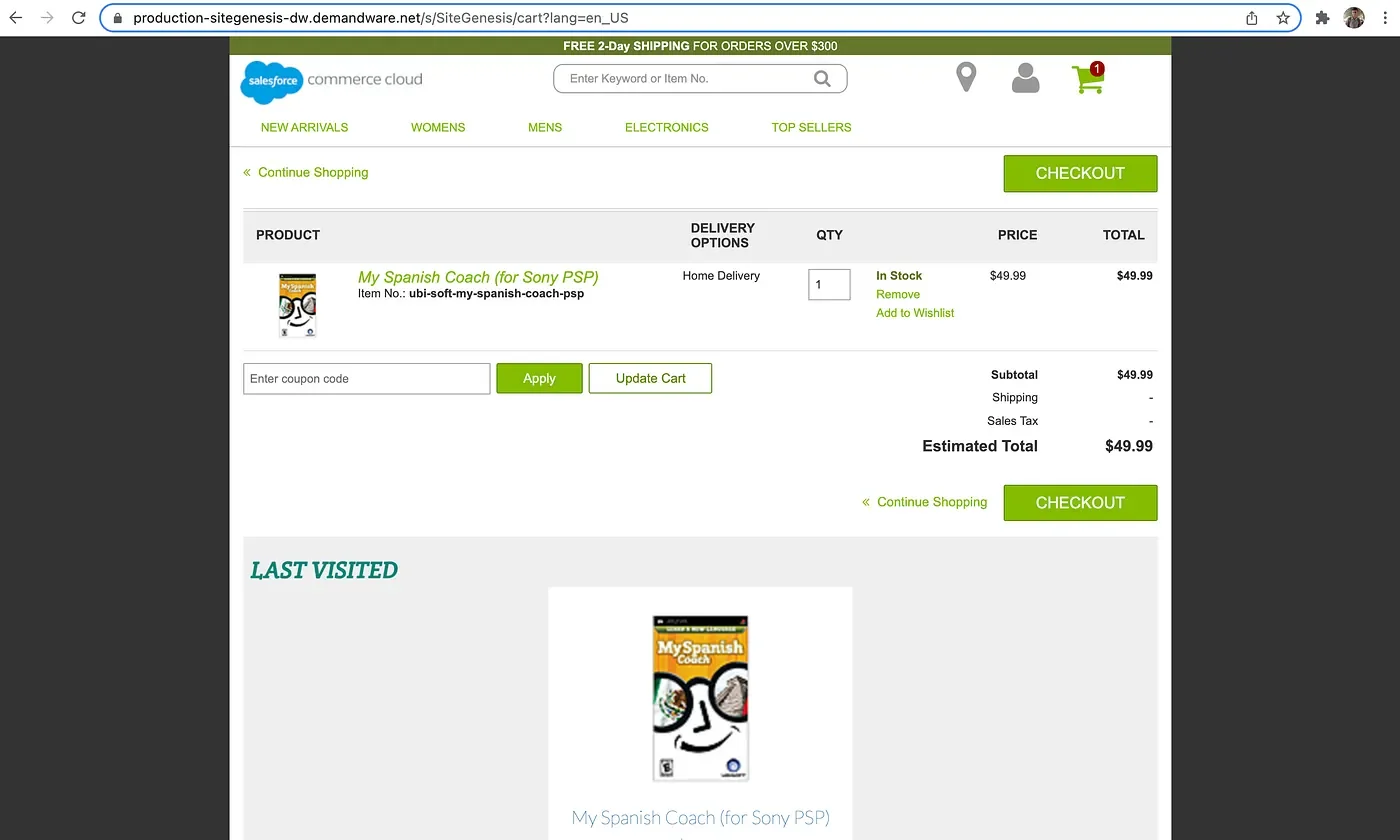 Image of a cart by author
As you can see, this site is on the production instance.
Instances
SFCC provides a list of servers in the package:
- Production
- Staging
- Development
- Sandboxes
You can read here for a more detailed explanation: Here
Technology Stack
Most of the technology used for the platform is proprietary. It uses as follows:
- ds: Used for scripting code
- isml: Used for frontend-related work (view part)
- XML: Used for forms and pipeline flows
- JS: Used for controllers (replacing pipelines)
Integration Capabilities
Commerce Cloud can be integrated easily with other platforms. For example, when you integrate OMS with SFCC, it can easily send data to OMS and also sync order status and inventory from 3rd party systems.
Commerce Cloud Types
Commerce Cloud has two parts:
- B2B: When your target segment is only businesses — e.g., you are manufacturing some product and other business users purchase in bulk to sell locally.
- B2C: When you are selling products directly to end-users.
Test your knowledge
Quiz1. What is SiteGenesis (SG) in the context of Salesforce Commerce Cloud?
2. Which of the following correctly describes the technology stack used in Salesforce Commerce Cloud as mentioned in the article?
Savan Koradia
Architect & FounderCEO & Founder of AakarDev Softwares • Salesforce B2C Commerce Architect
Hands-on engineer sharing practical, experience-driven insights on Salesforce Commerce Cloud architecture, technical debt, cartridge health, and platform decisions from real production work.
Related Articles
Did You Know? Pushing URL Rules
Pushing URL Rule settings from Staging to Production requires selecting BOTH the Catalogs and Libraries data replication groups.
Did You Know? Explicit pageURL Override
If a merchandiser fills in the explicit pageURL attribute, it completely overrides your configured URL syntax rules.
Did You Know? Wildcard Sitemap Restrictions
The wildcard pattern sitemap*xml is strictly reserved for Salesforce B2C Commerce's internal automated sitemap generator.