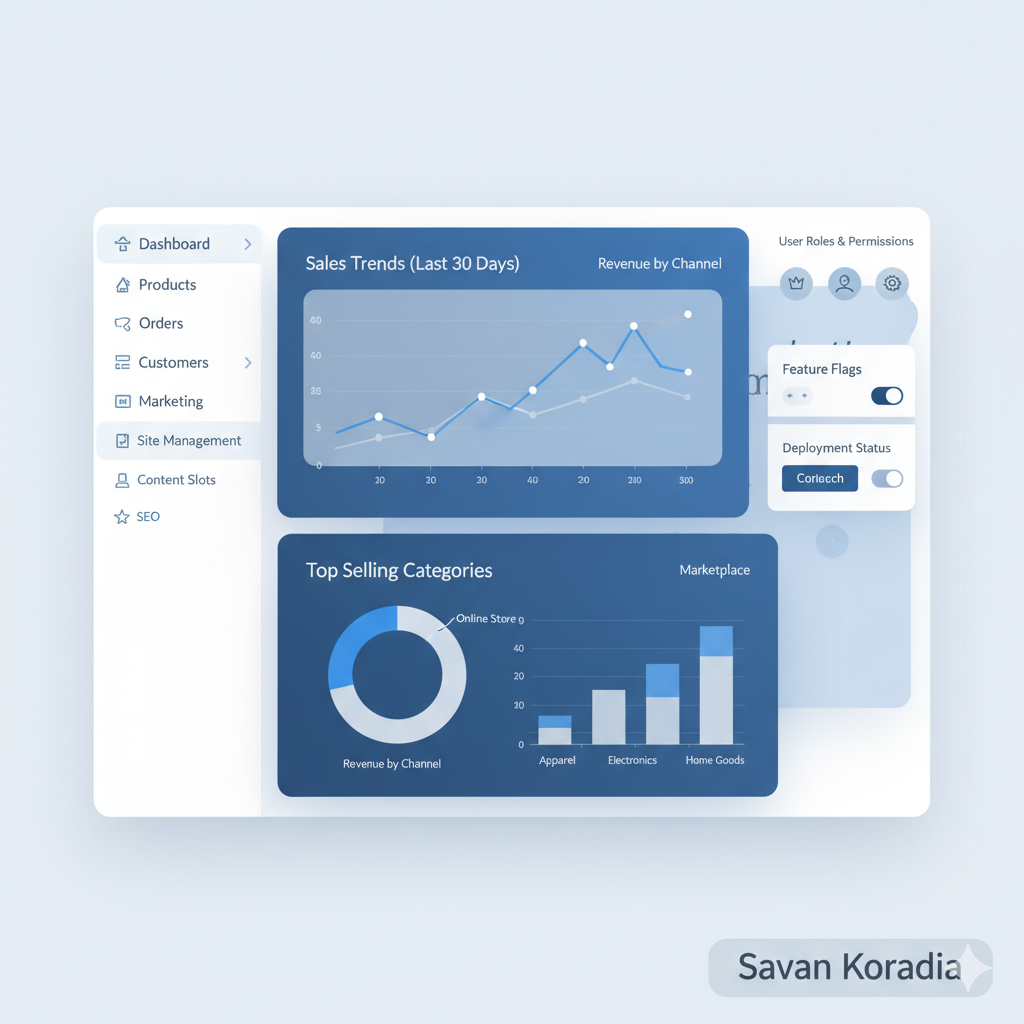
What Is a Business Manager in SFCC?
Learn about the Business Manager in Salesforce Commerce Cloud (SFCC), the admin panel where you can manage sites, roles, orders, and much more.
Introduction
Inside the admin panel of Salesforce Commerce Cloud, all the magic happens. Learn the definition and purpose of the Business Manager.
Each platform has two main interfaces:
- Administrator panel
- User panel
Administrator Panel
Also called the admin panel, it is limited to the people in the company who need to control the application. The panel contains many actionable sections for management. Access can be granted to one or multiple people based on their roles in the company.
In Salesforce Commerce Cloud, the administrator panel is called Business Manager.
User Panel
This is an end-user-facing interface where customers interact with your site: browse products, add items to the cart, and checkout. Users have login and registration interfaces to store settings and access historical order data.
In Salesforce Commerce Cloud, the user panel is called Storefront.
Roles
In an organization, team members may work on different levels to handle your business. Through Business Manager, you can assign access levels to roles. This ensures users can only access modules relevant to their work, preventing accidental or unauthorized changes.
Manage Sites
Business Manager allows you to manage multiple sites on your server:
- Create new sites
- Configure and modify code
- Manage customers, orders, products, and payment gateways
- Enable or disable sites
- Handle caching, content, marketing promotions, campaigns, taxes, reporting, timezone, and domain alias
Replication
Once a site is configured on the Staging instance, you can publish it using the Replication module in Business Manager.
- Easily replicate code and data
- Revert the last replication if needed
Network Access
Business Manager access can be restricted to specific IP addresses or ranges along with roles and permissions. This enhances security and prevents unauthorized access.
Favorites
For frequently used modules, the Favorites feature provides quick access links directly on your dashboard for efficiency.
Customize
Business Manager can be tailored to your requirements and integrations:
- Add menu items, menu actions, dialog actions, and forms
- Define sequences, auto-failure, and retention periods for Orders and Customers
Useful Links
Conclusion
Business Manager is a crucial part of setting up and managing your SFCC storefront. Key activities managed via BM include:
- Taxation
- Customer management
- Order management
- Promotions and campaigns
- Search preferences and SEO
- Site creation and deletion
- Data replication
All these activities require access to the Business Manager.
Test your knowledge
Quiz1. In Salesforce Commerce Cloud, what is the administrator panel used to manage sites, orders, and configurations called?
2. What is the name of the user-facing interface where customers browse products and place orders in SFCC?
Savan Koradia
Salesforce B2C Commerce Architect
Sharing practical, experience-driven insights on Salesforce Commerce Cloud, performance optimization, and modern web architecture.
Read full bio & view all posts →Related Articles
How I Review SFCC Cartridges (and Why It Matters)
A look into my engineering mindset for reviewing Salesforce Commerce Cloud cartridges, identifying hidden risks, and why maintainability matters more than simply having working code.
Did You Know? Clean Storefront URLs Job
The background job that generates and caches clean storefront URLs runs exclusively on Sandbox and Staging instances.
The Complete Developer Guide to Salesforce B2C Commerce URL Rules
Learn how to configure URL syntax, manage redirects, handle search refinements, and troubleshoot conflict errors in Salesforce B2C Commerce.